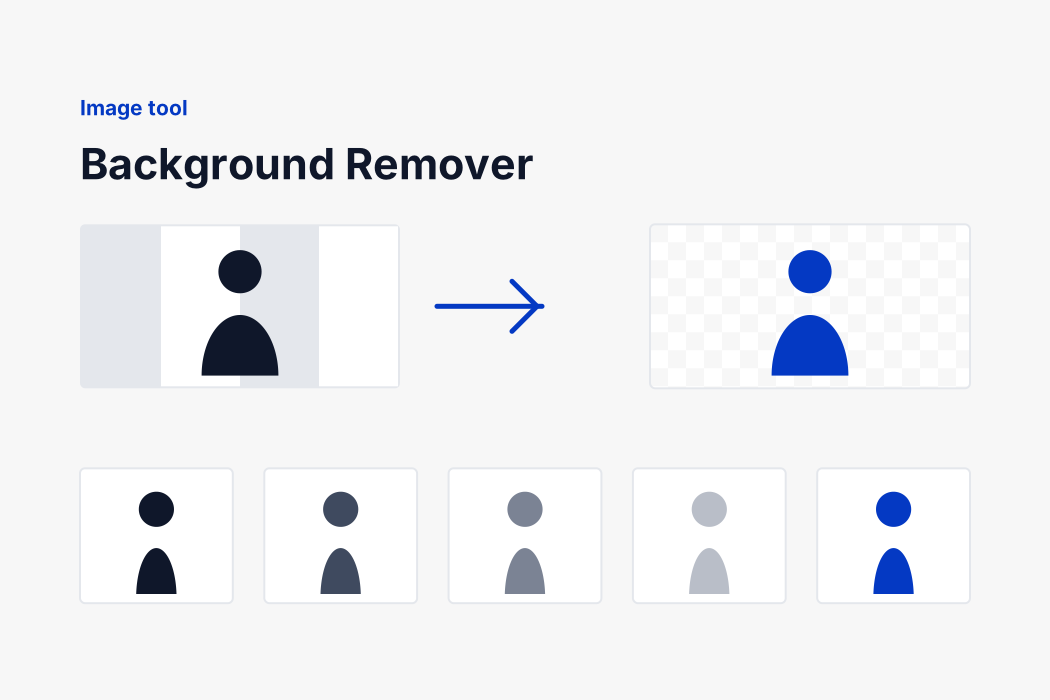
Two different pictures, two different jobs
Not everything dropped here is a photograph. A logo, a banner or a product shot sits on one flat colour, and for those a neural network is the wrong instrument: it is trained to find the salient object in a scene, and given white lettering on a solid red field it will happily hand back the outlines of the letters.
A flat background needs no guessing at all. The background is that colour, and it is connected to the edge of the picture. So the border is checked first, and if it is one colour the background is keyed out exactly: every pixel that matches and can be reached from the edge goes, which is why the enclosed white inside a letter O disappears while the white of an eye stays. It takes no time and there is no model to download.
Connectivity is not the whole answer on its own. The middle of a letter P is background too, exactly the same colour as the rest of it, and it cannot be reached from the edge because the letter is in the way. Those enclosed pockets go as well, or lettering comes back with its counters filled in. What keeps that from punching a hole through a white shirt against a white wall is size: a letter counter is a fraction of a per cent of the picture and a shirt is not.
The edge of lettering is not one colour or the other, it is a blend of both, so those pixels get part of the transparency rather than all or none of it. How much depends on how far the subject actually sits from the background, measured from your own picture: a fixed threshold leaves a coloured rim on high contrast artwork, and a coloured rim is what a bad cut-out looks like.
Anything else is a real scene, and that goes to the model.
How the model decides
Your picture is squashed to 320 by 320, which is the size U^2-Net was trained at, and each colour channel is shifted and scaled the way the training data was. Squashed rather than fitted inside a square: the network saw stretched images during training, and the mask is stretched back to your picture's real shape afterwards, so nothing is cropped and nothing is lost.
The network returns a value for every one of those 102,400 positions saying how much it believes that pixel belongs to the subject. Those values are stretched to fill the range 0 to 1, scaled back up to your image, and used as its transparency.
Values in the middle become partial transparency rather than a hard yes or no. A hard cut at exactly one half gives a jagged outline on hair; too wide a band leaves a faint halo of the old background. The band used here sits between the two, which is what anybody would settle on after trying all three, so you are not asked to choose it.
The mask is 320 squares wide and your photograph is not, so each pixel reads the four mask values around its position and mixes them rather than snapping to the nearest one. That is the difference between an outline that follows the subject and a staircase along every edge.
There is nothing to set either way, and you are told which of the two happened. Drop a picture, get a transparent PNG.
All of this runs through ONNX Runtime compiled to WebAssembly, on one thread. More threads would need SharedArrayBuffer, which needs headers that would change how the rest of this site behaves, for a second or two on a photograph.
What is downloaded, and when
| File | Size | What it is |
|---|
| ort.min.js | 0.4 MB | ONNX Runtime, the part that runs a model. |
| ort-wasm-simd-threaded.wasm | 10.5 MB | The same runtime compiled to WebAssembly, which is what actually does the arithmetic. |
| u2netp.onnx | 4.4 MB | The trained weights. This is the model. |
All three are served from this domain rather than from a content network, so opening this page tells nobody else that you did. Your browser caches them, so the download happens on your first visit and not again.
Nothing is fetched until you drop a picture, so arriving at this page and reading it costs nothing at all.