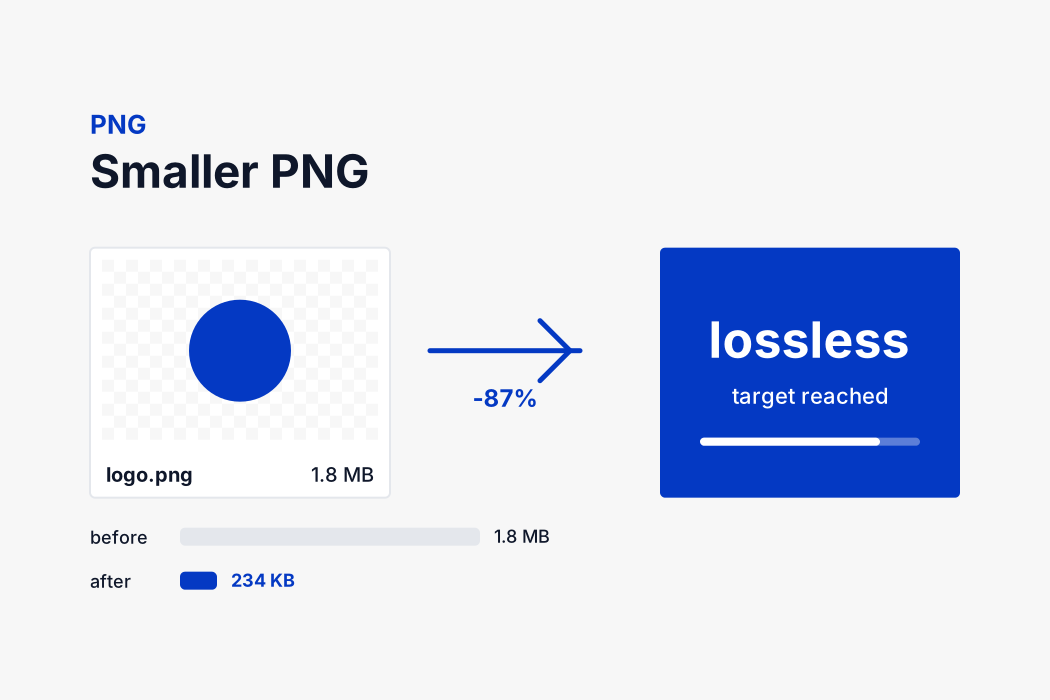
How the tool reaches 200 KB
PNG has no quality setting, so there is nothing to turn down. The format is defined as lossless: every pixel that goes in comes back out identical. That guarantee is exactly why it suits logos and screenshots, and exactly why it cannot be squeezed to an arbitrary number the way a JPEG can.
What the tool can change is how many pixels there are. It encodes your image, measures the result, and if it is over 200 KB it redraws the picture at a slightly smaller size and measures again. Each step is small, around eighteen percent, so it stops at the largest size that fits rather than overshooting.
Every one of those steps is still lossless. The output is a perfect PNG at whatever dimensions it settled on, not a blurred or blocky version of the original.
If your image is a photograph, switching the output format to JPG will usually reach 200 KB at the original dimensions instead. The controls are above the results, so you can try both and keep whichever you prefer.
Why lossless costs more space
A lossless format has to be able to rebuild the original exactly, so it can only save space by finding genuine repetition. Long runs of identical colour, repeated patterns, predictable rows of pixels. A logo is full of that and compresses beautifully. A photograph has almost none of it, because every pixel differs slightly from its neighbour, which is why photographs in PNG are so large.
That is also why there is no quality dial. There is no approximation happening that could be dialled up or down. The encoder either finds repetition or it does not.
Should you keep it as PNG?
The output format sits above the results, and switching it changes the whole calculation, so it is worth a moment's thought.
PNG is the right answer when the image needs a transparent background, or when it is a screenshot, a logo, a diagram or anything made of flat colour and sharp edges. It stays pixel perfect, and the only way it reaches 200 KB is by having fewer pixels.
JPG is the right answer for photographs. A photograph in a PNG is several times larger for no visible benefit, and converting it will reach 200 KB at the original dimensions instead of a reduced size. The trade is that transparency is lost and replaced with white.
WebP sits between the two. It supports transparency like PNG and compresses like JPG, which makes it the smallest of the three for almost any image. Every current browser reads it, but older desktop software and many upload portals still refuse it, so use it for your own website rather than for a form.
You can switch format and compare all three without leaving the page, since nothing has to be re-uploaded.