How this compares with the alternatives
A browser extension eyedropper
Convenient and it works on anything on screen, including video and other applications. It also asks for permission to read every page you visit, which is a large amount of access for a colour code.
The eyedropper in a design tool
The right answer if you already have Figma, Photoshop or Sketch open. This page is for when you do not, or when the image arrived by email and opening a design tool for one colour is more effort than it is worth.
An online picker that uploads
Does the same job on a server, which means the picture goes to a machine you know nothing about. For a photograph of a sunset, fine. For an unreleased logo, less so.
Guessing from a screenshot
The most common approach and the least reliable. Screen colour management, compression and your own eyes all shift what you think you are seeing, and a hex code read off a pixel is not a matter of opinion.
If something does not look right
The colour is not quite what I expected
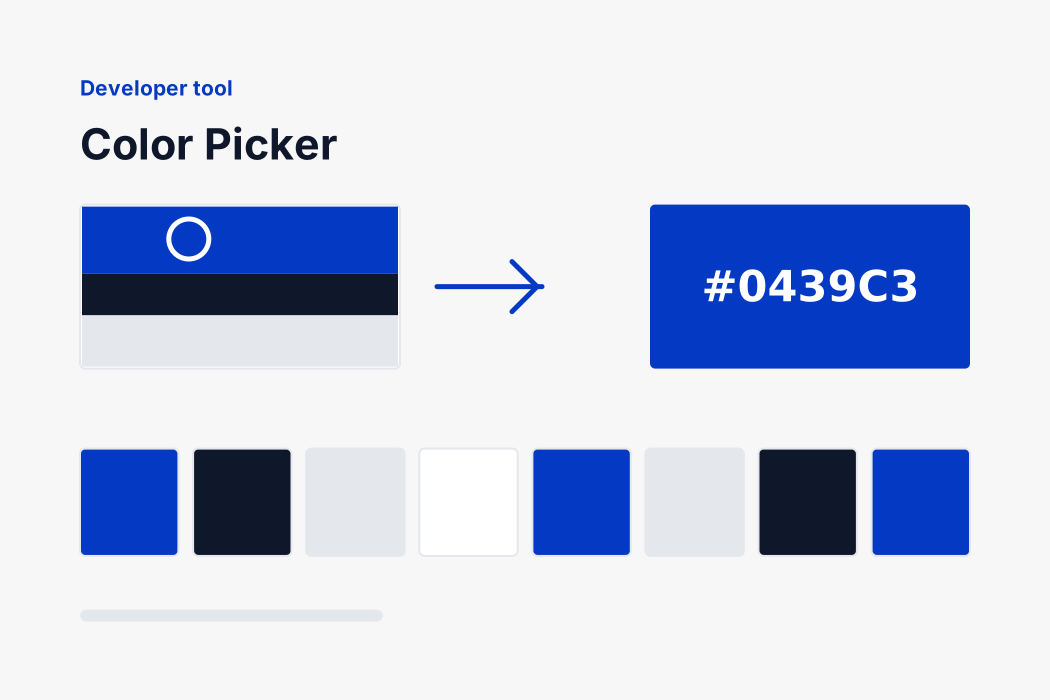
You may have hit a highlight, a shadow or an edge pixel that is blending two colours together. Try the palette underneath the picture instead, which reports the colours the image is mostly made of rather than one dot.
A JPEG gives slightly different colours in different places
That is JPEG working as designed. It stores colour more coarsely than brightness and blends across small blocks, so a flat area is never perfectly flat. A PNG of the same graphic will be exact.
My iPhone photo will not open
iPhones save as HEIC and only Safari can decode it. On an iPhone or a Mac this page reads them normally. Elsewhere, convert first with our HEIC to JPG page.
The contrast number says my brand colour fails
Then it does, at that size. The 4.5 threshold is for ordinary body text; large text is held to 3. It is a measurement rather than an opinion, and it is worth knowing before the design ships rather than after.
Clicking does not work on my phone
Tapping should. If the picture is very wide it may be scrolled off to one side; the palette buttons underneath work regardless and are reachable with a keyboard too.
Free, with no account and no limit
No sign-up, no daily cap, nothing held back. The work happens on your device, so there is nothing to charge for.
If you already have a colour code and want it in another notation, our HEX to RGB and RGB to HEX pages convert between them directly, with the same contrast check.
And if the image itself needs work before you use it, the resizer changes its pixel size and the compressor brings it under a file size limit, both without uploading anything either.