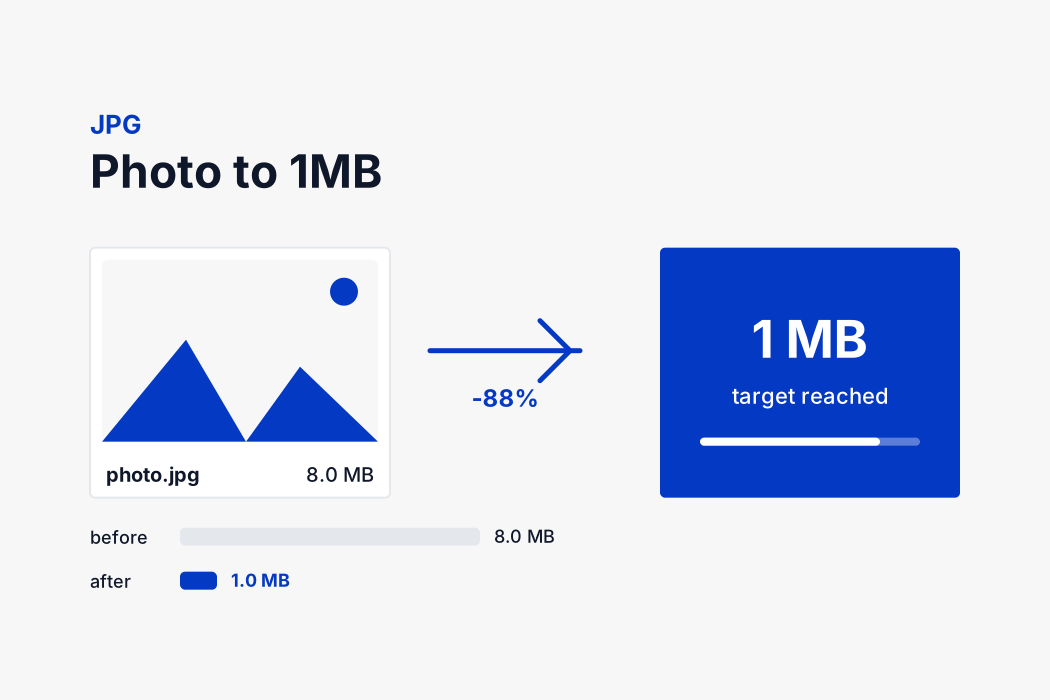
How the tool reaches 1 MB
There is no fixed quality number that produces 1 MB, because it depends entirely on what is in the picture. A portrait against a plain wall and a photograph of a forest need completely different settings to land at the same file size. So the tool searches rather than guesses.
Your browser decodes the image and redraws it onto a canvas. It encodes that canvas as a JPEG at high quality and measures the result. If the file already fits, that is the answer. If not, it halves the range and tries again, narrowing in on the highest quality that still comes in under 1 MB. Eight passes are enough to land within a fraction of a percent of the ideal setting.
If even a low quality cannot reach the target, the approach changes. Rather than destroying the picture with extreme compression, the tool reduces the pixel dimensions a little and runs the quality search again at the new size. A slightly smaller photograph that stays sharp is far more useful than a full sized one covered in artefacts.
All of it happens on your own device, which is why the result appears immediately and why dropping in twenty files is not twenty times the wait.
What compression actually discards
Lossy compression sounds like vandalism until you know what it removes. The format splits the image into small blocks and describes each one as a set of frequency patterns rather than as individual pixels. Broad shapes and gradual tones are kept in detail. Very fine texture and sharp noise are stored coarsely or dropped.
It also records colour at a lower resolution than brightness, because human vision is far more sensitive to light and dark than to hue. None of this is visible at normal viewing size until the quality is pushed low, at which point you start to see block edges around detail, colour bleeding around text, and mottling in flat areas such as a plain background.
The search described above exists to stop just before that point.
Choosing the output format
The format selector sits above the results, and it changes what reaching 1 MB actually costs you.
JPG is the default and correct for almost everything. It is the only widely accepted format with a continuous quality dial, which is what makes an exact target possible, and no upload portal in the world rejects it.
PNG is lossless and supports a transparent background, which makes it right for logos, screenshots and line art. It has no quality setting, so the only way it reaches a small target is by reducing the pixel dimensions.
WebP compresses roughly a quarter to a third harder than JPG at the same visible quality, so a WebP file at 1 MB looks better than a JPG at 1 MB. Every current browser supports it. Older software and many government portals do not, so keep it for your own website.
Because nothing is uploaded, you can switch format and run the same file again instantly to compare.