Find and Replace

Bulk find and replace text in your browser, with literal and regular expression modes.

Free, no limit Nothing uploaded Works offline No sign-up

Literal by default, which is what you usually want

In literal mode every character you type is matched exactly, including the ones that mean something in a regular expression. Searching for a.c finds only a.c, not abc, because the dot is escaped before the search runs.

That is the safe default and it is what most people want. Turn on regular expression mode and the same characters regain their meaning, so you can match patterns rather than fixed strings.

Everything is replaced at once and the count underneath tells you how many changes were made, which is the quickest way to confirm the pattern matched what you thought it did before you copy the result.

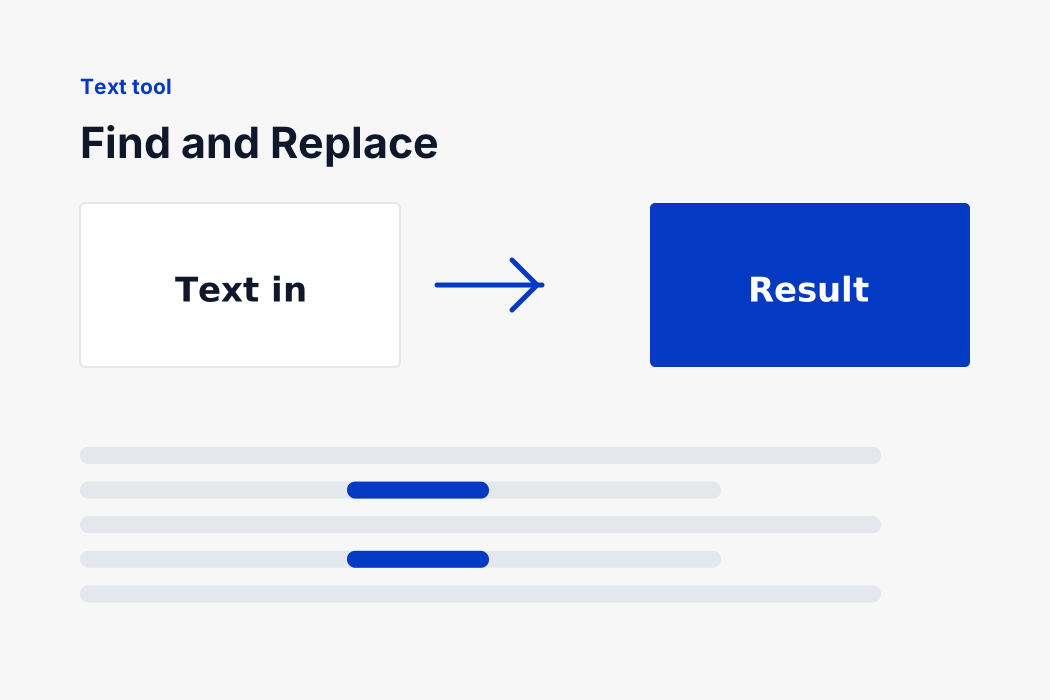
A block of text with every occurrence of a phrase being replaced

How to use it

Paste into the left box and the result appears in the right one as you type. Change any option and it recalculates immediately.

Copy puts the result on your clipboard and confirms it did. Download saves it as a file, which is the easier route when the output is long enough that selecting it by hand is a nuisance. Clear empties the boxes and puts the cursor back where you need it.

Where a sample button appears, it loads a small realistic example. It is there so you can see what the tool expects before pasting your own material, which is quicker than reading a description of the input format.

Keyboard and mobile

The text areas are ordinary form fields, so every shortcut your system already has works: select all, undo, redo, and paste without formatting. Tab moves between the panes and the controls in the order you would expect, and every control is reachable without a mouse.

On a phone the panes stack rather than sitting side by side, and the text areas grow to a comfortable height. Spellcheck and autocorrect are switched off in them, because a tool that silently capitalises your find and replace input is worse than useless.

If something looks wrong

When the result is not what you expected, the message under the boxes is the first thing to read. It reports what happened rather than a generic failure, so a malformed input names the line to look at and a successful run reports what it did, such as how many lines it kept or how many replacements it made.

A count of zero is informative in itself. It usually means the input did not contain what you thought it did, most often because of capitalisation or an invisible trailing space, both of which are far more common in pasted data than people expect.

Nothing is corrected silently. If the input cannot be handled, the output is left empty and the reason is stated, rather than a partial result being returned that looks plausible and is wrong. A tool that guesses is worse than one that says it could not.

Regular expressions worth knowing

A handful of patterns covers most real cleanup jobs.

  • \s+ replaced with a single space, collapses runs of whitespace including tabs and newlines.
  • ^\s+|\s+$ replaced with nothing, trims each line.
  • \d+, matches any run of digits.
  • <[^>]+> replaced with nothing, strips HTML tags out of pasted content.
  • (\w+)@(\w+) with $2 at $1, shows how captured groups are reused in the replacement.

Use $1, $2 and so on in the replacement to insert whatever the bracketed groups matched. That is what turns find and replace into a reformatting tool rather than a substitution one.

Working with lists efficiently

These tools chain, and the order you apply them in changes the result.

GoalOrder to work in
Clean an exported listRemove blank lines, trim, deduplicate, sort
Compare two listsSort both first, then compare
Merge two listsCombine, deduplicate, then sort
Find what changedDo not sort, compare in original order

Deduplicating before sorting keeps the first occurrence in its original position, which matters when order carries meaning. Sorting first means the survivor is whichever copy sorted highest, which is usually arbitrary.

Comparing two lists is the case where sorting first is essential. Two lists containing the same entries in different orders look completely different to a line by line comparison, and sorting both removes that noise so only genuine differences show.

Trimming matters more than it looks. Exported data routinely carries trailing spaces, and two entries that differ only by an invisible space will survive deduplication, sort into different places and compare as different. It is the single most common reason a cleaned list still contains duplicates.

None of this needs a spreadsheet or a script. Each step is one paste, and the intermediate result stays in the box so you can carry it into the next tool.

Your text stays on your device

Everything here runs inside the page. Nothing you type or paste is transmitted, stored or logged, and there is no account, no analytics on the content and no server that ever sees it.

That matters more for text tools than it looks. The things people run through them are unpublished articles, coursework, client proposals, cover letters, contract wording and internal documents. Every one of those pasted into a hosted tool becomes a copy on somebody else's machine, kept for a period nobody states.

Because the work happens locally it is also instant. There is no button to press and no round trip to wait for: the result updates as you type, on text of any length, and it keeps working with the connection switched off.

Nothing is saved between visits either. Close the tab and the text is gone, which is the correct behaviour for a tool you reached for once to fix one thing.

No limits, and no account

There is no cap on how much text you can run through this, no daily quota and no sign up wall at the point where it becomes useful. The Find and Replace tool costs us nothing to provide because it runs on your device rather than ours, so there is nothing to meter.

There is also nothing to install. It is one page of HTML, one stylesheet and one script, which together come to a fraction of the weight of a single photograph. It loads in well under a second on a phone connection and works immediately.

Why we built it this way

A tool this simple should not require an account, an upload or an advert covering the result. The work is a few milliseconds of arithmetic on text you already have, and there is no honest reason for it to involve a server at all.

The whole site is built on the same rule: if the work can be done in the browser, it is done in the browser. Over a hundred tools work that way, and the handful that genuinely cannot are the ones we have not built.

It also means the tool keeps working when we are not paying attention to it. There is no service to go down, no API key to expire and no rate limit to hit at the moment you need it most. The page you loaded is the whole program, and it will behave the same way in five years as it does today.

FAQ

Find and Replace

The questions people ask most about this tool.

In literal mode every character is matched exactly, with special characters escaped for you. In regex mode characters like dot, star and brackets regain their pattern meaning.

Paste the whole text and the replacement applies throughout. In regex mode, use \n to match a line break.

Yes. Bracket part of the pattern and refer to it as $1, $2 and so on in the replacement field.

Either the pattern did not match, which the count of zero confirms, or capitals differ. Try the ignore capitals option.

Completely, with no account, no quota and no paid tier. It runs on your own device, so there is nothing for us to meter and nothing to charge for.

No. Everything happens inside this page, in memory on your machine. Nothing is transmitted, stored or logged, and you can confirm it by watching your browser's network panel while you type.

Yes. Once the page has loaded it never needs the network again, so you can disconnect and carry on working.

None that we impose. The practical limit is your device's memory, which on a modern machine is a very large amount of text.

Yes. The panes stack on a narrow screen and the controls stay reachable. Autocorrect is switched off in the input, so nothing is silently changed as you type.

Yes, freely and with no attribution required. What you paste is yours and so is what comes out.

Need a different conversion?

Over a hundred free tools, all running in your browser. Nothing is uploaded and nothing is capped.