Why computers count in twos
A computer addresses memory with binary numbers, so the natural sizes are powers of two: 512, 1024, 2048. When early engineers needed a name for 1024 bytes they borrowed the metric prefix kilo, which properly means a thousand. The four bytes of difference did not seem worth arguing about at the time.
It compounds. By the time you reach terabytes the two readings differ by ten percent, which is why converting megabytes to gigabytes gives one answer on a drive box and another in your file manager.
The standards body responded in 1998 by inventing kibibyte, mebibyte and gibibyte for the binary versions, leaving the metric prefixes to mean exactly what they say. Linux adopted them, almost nothing else did, and the ambiguity has quietly survived for another quarter of a century.
Binary and decimal, and why the gap grows
The difference between the 1024 and 1000 conventions is 2.4 percent at the kilobyte level and it compounds at every step. By the megabyte it is 4.9 percent, by the gigabyte 7.4 and by the terabyte 10. That is why a small drive looks about right and a large one looks noticeably short.
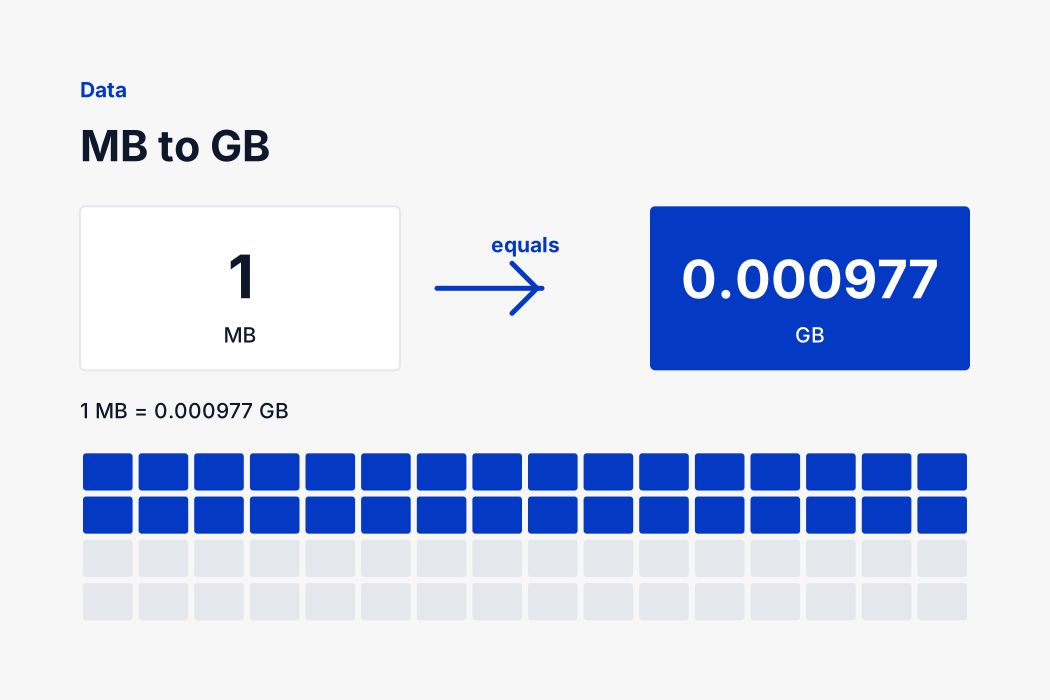
Nothing on your machine is wrong when the two disagree. The manufacturer counted in powers of ten because the metric prefix says so, and the operating system counted in powers of two because that is how memory is addressed. Both numbers describe the same physical bytes, and this page converts megabytes to gigabytes using the binary reading your file manager uses.
When a figure matters, note where it came from. File managers, upload validators and memory specifications use binary. Drive packaging, cloud storage plans and mobile data allowances use decimal.
Nothing is sent anywhere
This converter is a few lines of arithmetic running in your browser. There is no server call when you type, no account to create and no limit on how many times you use it. Open the page once and it keeps working with the connection switched off, which is genuinely useful on a building site, in a shop with no signal or on a plane.
That also means the page loads in well under a second and responds as fast as you can type. A converter that posts every keystroke to a server cannot do either of those things, and there is no reason a multiplication by 0.0009765625 should need one.
If you need the reverse direction, the swap button flips the two sides without reloading the page, so you can move between megabytes and gigabytes as often as you like. The decimal places control sits beside it, and both settings apply immediately to whatever number is already in the box.
Checking the answer yourself
Every figure on this page can be verified by hand, which is the point of showing the formula and the factor rather than just printing a result. Take 10,240 MB, apply the formula above, and you should land on the same gigabytes figure the converter gives.
If your own calculation differs in the last decimal place, the cause is almost always a rounded factor. Pocket calculators and spreadsheets often carry a shortened version, and over a large number that small difference becomes visible. The converter here uses the full value throughout and rounds only for display, so the number you copy is the number the definition gives.
Where a document, a form or a specification states its own conversion factor, use theirs rather than ours. Some industries deliberately work to a rounded figure for consistency, and matching the paperwork matters more than being marginally more precise than it.